
AI can produce a convincing page quickly. That changes creation speed, not responsibility. A polished screenshot or green build is not enough evidence for a business release.
What TS Haus tested on its own website
This is first-party release evidence for the TS Haus official website, not a customer case study. The release baseline covered production build, deterministic route tree and sitemap, SEO/content and strict catalogue checks, plus 1280×900 desktop and 390×844 mobile visual checks. The final visual run covered 24 cases with one H1, no horizontal overflow and no page, console or hydration errors on those covered pages.
Three different failures we caught
| Type | Observed defect | What changed / what it proves |
|---|---|---|
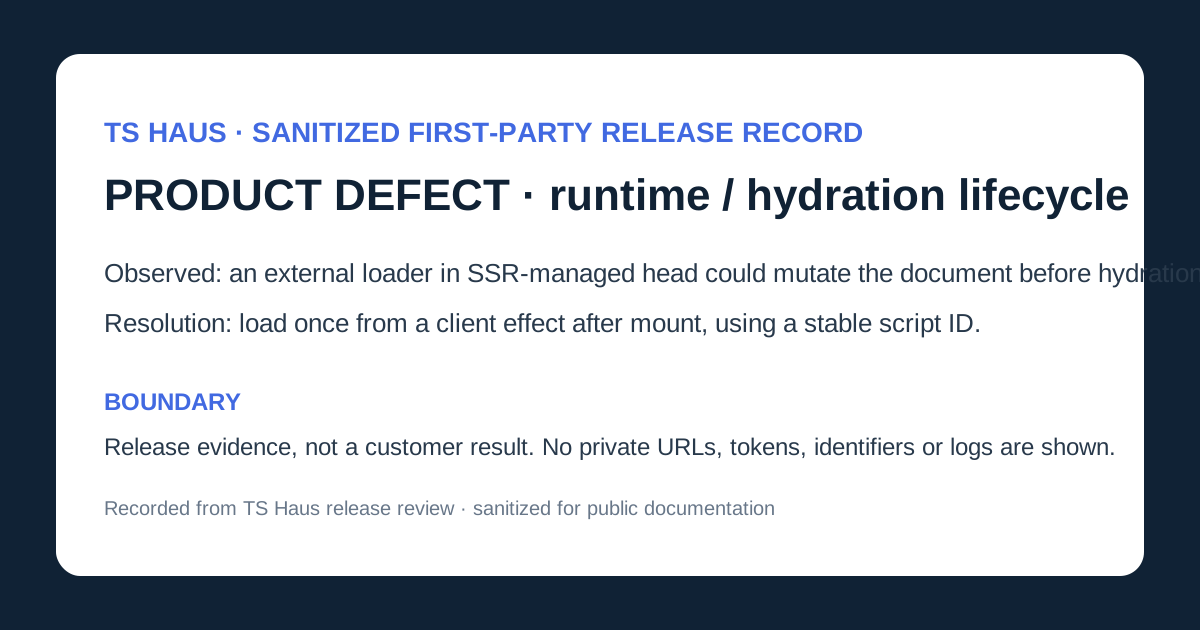
| Product/runtime defect | An external AdSense loader sat in SSR-managed head scripts and could mutate the document before React hydration. | PR #88 moved the same async loader to a client useEffect after mount with a stable script ID. It shows that a visually correct AI-assisted page still needs browser lifecycle QA. |
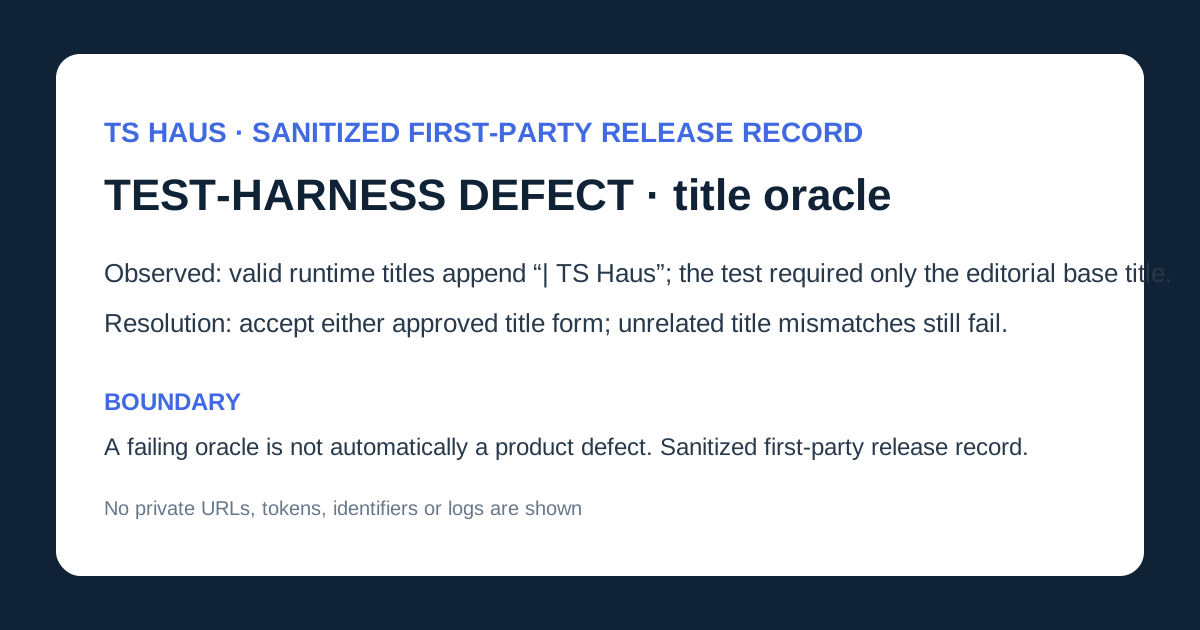
| Test-harness defect | The visual validator rejected correct resource titles because runtime intentionally adds ‘| TS Haus’ while the oracle required the editorial base title exactly. | PR #90 changed only the title oracle to allow either approved form; other mismatches still fail. A failing automated check is not automatically a product defect. |
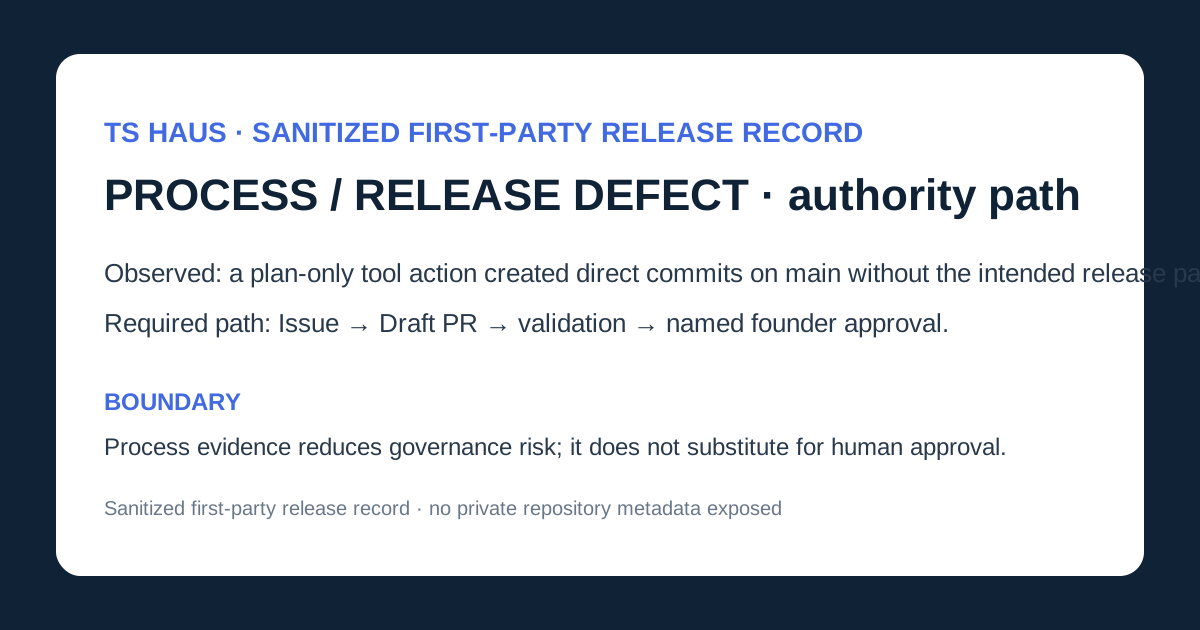
| Release/process defect | A plan-only AI/tool check created direct commits on main, bypassing Issue → Draft PR → validation → founder approval. | Issue #73 showed that release authority, branch protection and tool permissions are QA concerns, even where UI checks pass. |
1. Start with a one-page release brief
| Field | Example |
|---|---|
| Business goal | Help suitable customers understand a service and enquire |
| Changed pages | Service detail and contact |
| Primary journeys | Read service, open WhatsApp, submit form, use fallback |
| Data | Name, email, phone and message |
| Dependencies | Hosting, form provider, analytics and WhatsApp |
| Approver and rollback owner | Named people with authority and access |
2. Let risk determine test depth
| Risk | Typical change | Minimum approach |
|---|---|---|
| Lower | Static copy or image | Content, links, layout, mobile, accessibility and metadata |
| Moderate | Form, analytics, booking handoff or embed | Lower checks plus validation, consent, errors, data handling and dependencies |
| Higher | Login, payment, account data or automated action | Role and negative tests, security scope, controlled data, evidence, rollback rehearsal and explicit approval |
3. Review every generated claim and asset
- Verify names, locations, prices, packages, hours and contact details against an approved source.
- Remove invented testimonials, logos, awards, certifications, statistics and number-one claims.
- Do not present stock or generated images as real staff, premises, work or customers.
- Review legal, privacy and regulated language with the appropriate owner or adviser.
- Make titles, headings, alt text and structured data match visible truth.
4. Test core journeys and failure states end to end
- Start from navigation, complete the action and verify both user result and business receipt.
- Test alternate paths, cancellation, back navigation and safe repeat actions.
- Try missing, malformed, long, duplicated and unexpected input.
- Observe a safe failed-network case and confirm the recovery message reveals no system detail.
- Keep personal information out of URLs, console messages and public pages.
5. Check representative layouts, links and handoffs
- Check desktop and 390px mobile with no page-level horizontal overflow.
- Verify navigation, focus, touch controls, forms, images, tables and long words.
- Click navigation, anchors, WhatsApp, phone, email, map, booking and external links.
- Submit forms and verify delivery rather than trusting the front-end success state.
- Confirm a recovery path when a third-party service is unavailable.
6. Test payments and access as complete business journeys
Use the provider's authorised sandbox for price, currency, success, cancellation, decline, duplicates, callbacks, receipts, fulfilment and reconciliation. A browser success page is not authoritative payment confirmation. For logged-in systems, test both permitted and forbidden actions, direct URLs, logout, reset and session expiry; hiding a button is not access control.
7. Perform a manual accessibility pass
- Complete key actions by keyboard with visible logical focus.
- Use semantic headings, controls, programmatic names and visible instructions.
- Associate errors with fields and expose status messages to assistive technology.
- Check alternatives, contrast, zoom, reflow and motion controls.
- Treat automated scanners as support, not complete accessibility evidence.
8. Verify search, sharing and analytics basics
- Accurate title, description, one H1, canonical URL and indexing intent.
- Approved social preview and structured data supported by visible content.
- Analytics records only intended events and excludes personal form or message content.
- Draft, account and internal pages are not exposed to search by accident.
9. Prepare production ownership and rollback
- Confirm domain, DNS, HTTPS, hosting, repository, forms and payment owners.
- Keep secrets in approved configuration and record the deployed version.
- Back up the state appropriate to the change and document rollback or disable steps.
- Name who monitors enquiries, errors and payments after release.
- Keep staging access-controlled and remove sample data.
10. Record evidence and make a human go or no-go decision
| Classification | Examples |
|---|---|
| Release blocker | Data or payment corruption, unauthorised access, broken primary journey, false material content or no critical recovery |
| Fix before launch unless accepted | Serious mobile, accessibility, validation, analytics or content problem |
| Schedule with owner | Minor issue with a clear workaround and low consequence |
The accountable owner decides with QA and technical input. AI must not approve its own output. Record accepted risk, affected users, workaround, owner and follow-up date.
11. Smoke-test production while rollback remains available
- Confirm the production version and domain.
- Open changed pages without an administrator session.
- Complete the safest representative journey.
- Check delivery, handoffs, monitoring and visible debug output.
- Compare the result with approved scope and roll back a release blocker.